
Upload your lead
Choose one clear photo with the face, hairstyle, and outfit you want for the central performer.
YOUR CAST. THE ORIGINAL TAKE.
Your face. Your crew. The same party. Upload a photo and step into the Burning Bridges scene.
IN THE SCENE
Start with your photo. Choose Seedance 2.5 to bring a friend along.
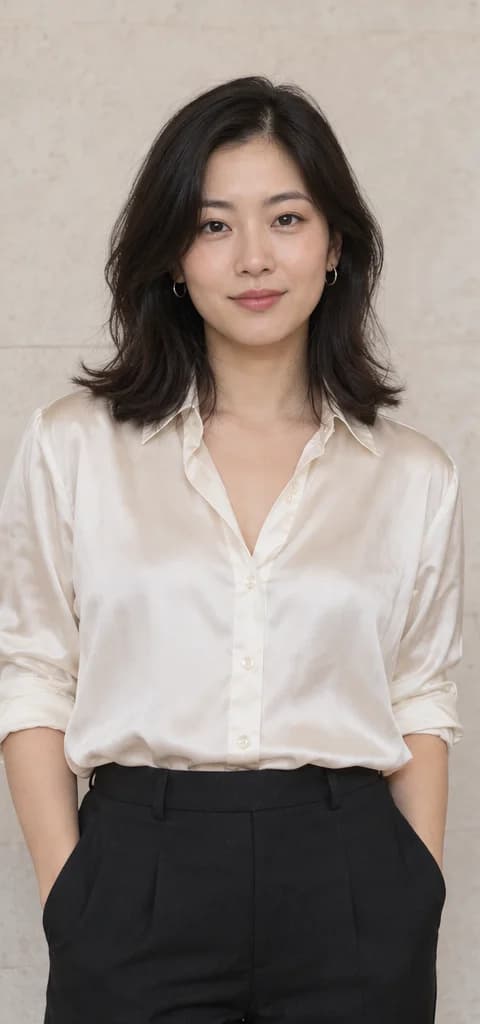 Lead photo
One photo gives the central performer a new look.
Seedance 2.0 · 15 seconds · 480p preset
Video example coming soon
Reference photos shown for now.
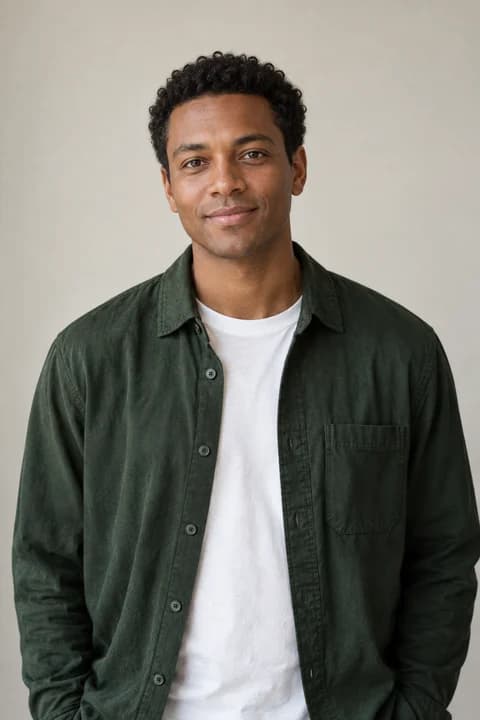
Lead photoSupporting photoUse Seedance 2.5 and a separate photo for each friend.
Reference photos are AI-generated. Available videos show actual results; unfinished examples are labeled. Results vary.
Turn your photo into the lead of the Burning Bridges scene. Add friends with Seedance 2.5—no video upload or prompt writing needed.
Your reference photo guides the face, hairstyle and clothes.
The prompt asks to keep the original movements, camera work and setting.
Choose Seedance 2.5 to bring friends into the scene.
The scene is ready. All you need is your cast.
Choose one clear photo with the face, hairstyle, and outfit you want for the central performer.
Choose your settings. To add friends, select Seedance 2.5 and upload a separate photo for each person.
Review the credit quote and generate. The original scene and prompt are already included.
One photo for a solo edit. Seedance 2.5 for friends, too.
| In this tool | Seedance 2.0 | Seedance 2.0 MiniDefault | Seedance 2.5 |
|---|---|---|---|
| Scene length | 4–15 seconds | 4–15 seconds | 15s landscape · 29.1s portrait |
| Character photos | 1 person | 1 person | 1 lead + up to 29 supporting |
| Aspect ratio | 16:9 / 9:16 | 16:9 / 9:16 | 16:9 / 9:16 |
| Resolution options | 480p / 720p / 1080p / 4K | 480p / 720p | 480p / 720p / 1080p |
Starts at Seedance 2.0 Mini · 15 seconds · 480p · 16:9. Open Adjust to choose your settings.
Your credit cost is shown before you generate. Results vary.
Three simple ways to give your cast a clearer reference.
Use a sharp photo with even lighting. Avoid sunglasses, heavy filters or a hand covering the face.
Keep your hairstyle and outfit visible. A waist-up photo is a useful starting point.
Use a single-person photo. On Seedance 2.5, upload each friend separately.
Clear photos help the AI recognize your look.
Upload your photo to put yourself in the Burning Bridges scene. Seedance 2.5 also lets you add photos of friends.
No. The scene and prompt are included. Upload your photo and choose your settings.
Seedance 2.0 and Mini accept one photo. Seedance 2.5 accepts one lead photo and up to 29 supporting photos. Use one person per photo.
On Seedance 2.5, each extra photo is assigned to a different visible supporting character. You do not need to choose positions.
Choose Seedance 2.0 or Mini for a solo photo, with 4–15 seconds and landscape or portrait options. Choose Seedance 2.5 to add friends: 15 seconds in landscape or 29.1 seconds in portrait.
The quote uses the selected model, resolution, and built-in video duration. Add a lead photo to see the cost. Credits and generation history are shared with the other video tools.

Upload one portrait to replace the lead in the Bulin 47 freestyle, following the original gestures, crowd and scene.
Explore Bulin 47 AI Video