
Your best friend
Bring the group chat’s favorite duo to the orange stage. Pick a photo of each friend and give it a try.
Two photos. One mic. Your duet.
Pick a photo of you and a friend, and put your duo in the Hotel Lobby performance. Start with a 10-second clip, or try up to 30 seconds with Seedance 2.5.
Your duo. This performance.
Watch the full 30-second reference. For a 30-second duet, choose Seedance 2.5 in Adjust. Your video keeps the matching reference audio.
Length: 10s
30-second Hotel Lobby reference
Watch the reference from start to finish, then use your two photos to create a duet up to 30 seconds long with Seedance 2.5.
Full 30-second reference video
Try a 10-second duet with Mini at 480p. Want the full 30 seconds? Choose Seedance 2.5 in Adjust.
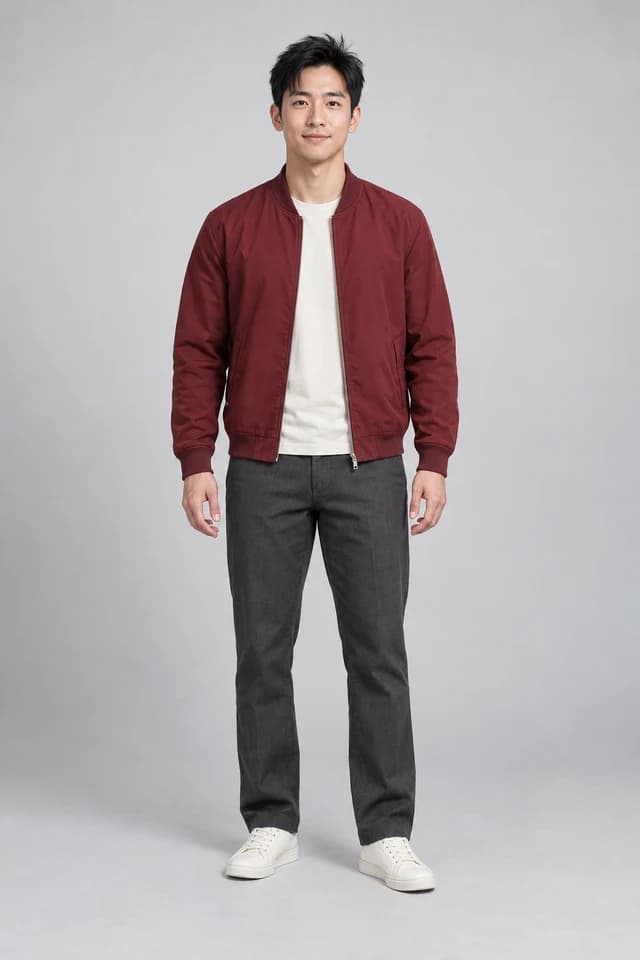
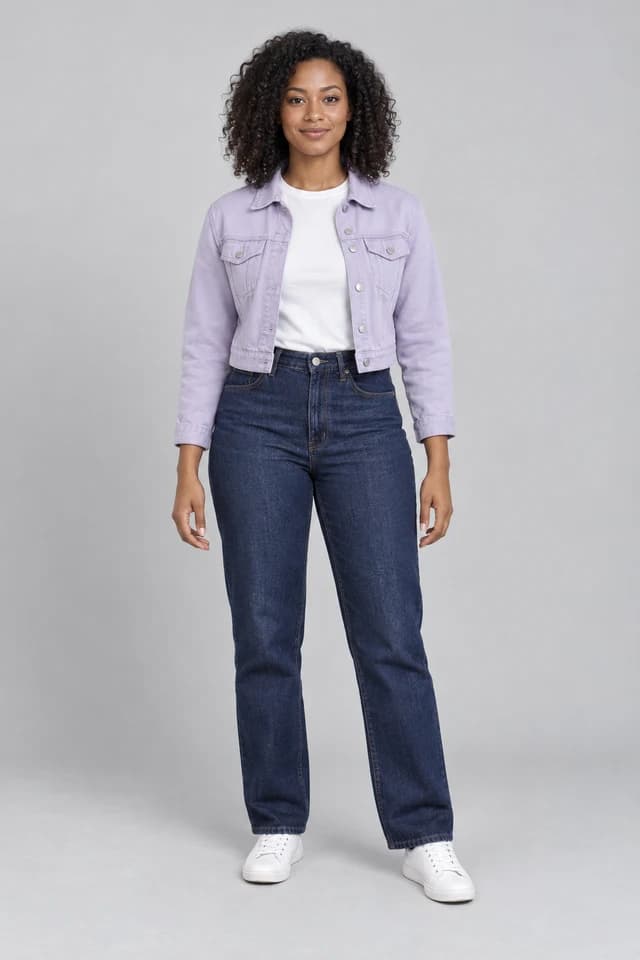
AI-created people used for this example.
One example—your result may vary.
Recorded with an earlier 10-second reference. Check the generator for current pricing.
Pick one photo per person. AI fills in the body, outfit and anything outside the photo.
One for you, one for your partner.
AI creates your Hotel Lobby duet with music.
Download your video and send it to friends.
Know before you generate
This tool uses a fixed two-person Hotel Lobby performance. You choose the two people, model, output length and resolution. The scene, 9:16 framing and reference soundtrack stay with the template.
| Model | Estimated credits | Output length | Resolution options |
|---|---|---|---|
| Seedance 2.0 Mini | About 25 credits | 4–15 seconds | 480p / 720p |
| Seedance 2.0 | About 75 credits | 4–15 seconds | 480p / 720p / 1080p / 4k |
| Seedance 2.5 | About 125 credits | 4–30 seconds | 480p / 720p / 1080p |
Credits = (reference seconds + output seconds) × the selected model’s rate for the chosen resolution, rounded up to a whole credit.
The default 10-second output uses a 15-second reference: 25 billable seconds. Outputs up to 15 seconds use that reference. A 30-second output uses a 30-second reference: 60 billable seconds.
Estimates use standard rates, or current rates when available. Your final cost is shown in the generator before you create. View credit plans.
Same booth. A different double act.
Cast your own duo in the fixed Hotel Lobby reference video.
Bring the group chat’s favorite duo to the orange stage. Pick a photo of each friend and give it a try.
Turn a photo of each of you into your own double act.
Put yourself and a collaborator in the same performance. Start with a photo of each person.
This generator replaces the two performers in a fixed Hotel Lobby reference video using your photos. It aims to carry over each person’s face, hair, build and outfit while following the reference setting and actions. The output uses the template’s 9:16 format, and the reference soundtrack is restored after generation.
This dedicated generator requires sign-in and enough credits for the selected settings. It does not use the homepage’s daily free allowance. Review the quoted credits before submitting, and see credit plans if you need to add credits.
Start with a headshot, selfie or everyday photo of each person. AI fills in the body, outfit and anything outside the photo. Just add one photo per person and give it a try.
Yes—crop it into two separate photos, one person in each, then add them to the left and right slots.
Your finished video uses the opening of the reference soundtrack for the length you select, at its original speed. The matching audio is restored automatically after the visuals are generated.
This page uses a fixed reference soundtrack and does not accept custom music or lyrics. For a new rap based on your own topic or lyrics, use the AI Rap Video Generator. That is a separate creation flow with its own settings and credit quote.
The generator shows the required credits before you submit. Cost covers the selected output length plus the full reference clip: 15 seconds for outputs up to 15 seconds, or 30 seconds for longer outputs. The model and quality also affect the price. Sign in and review the displayed cost before generating.
Credits charged for a task recorded as failed or canceled are returned to your account. If a task is still processing or its status is uncertain, check its status before submitting another generation. A credit return is separate from a refund of a purchase; see the payments and refund policy. If the balance still looks wrong, contact support with the task ID.
The generation aims to preserve each uploaded person’s face, hair, build and outfit and follow the template’s performance. AI results can still vary in identity, clothing, lip sync and motion. Exact choreography is not guaranteed. Preview the finished video before sharing.
Two photos, the Hotel Lobby performance, and the reference soundtrack. Pick your duo and give it a try.
Create my Hotel Lobby video
Upload one portrait to replace the lead in the Bulin 47 freestyle, following the original gestures, crowd and scene.
Explore Bulin 47 AI Video