Photo to dance video
Smalltown Boy AI
Two photos. Your duo. A little 80s energy.
Meet your dance duo
One photo for each dancer. No prompt needed.
01First dancer
02Second dancer
JPG, PNG, WebP · 10 MB per photo · or drag into a slot
Video settings15 sec9:16
Still-image demo · Video generation coming soon · No credits used
Smalltown Boy concept
Concept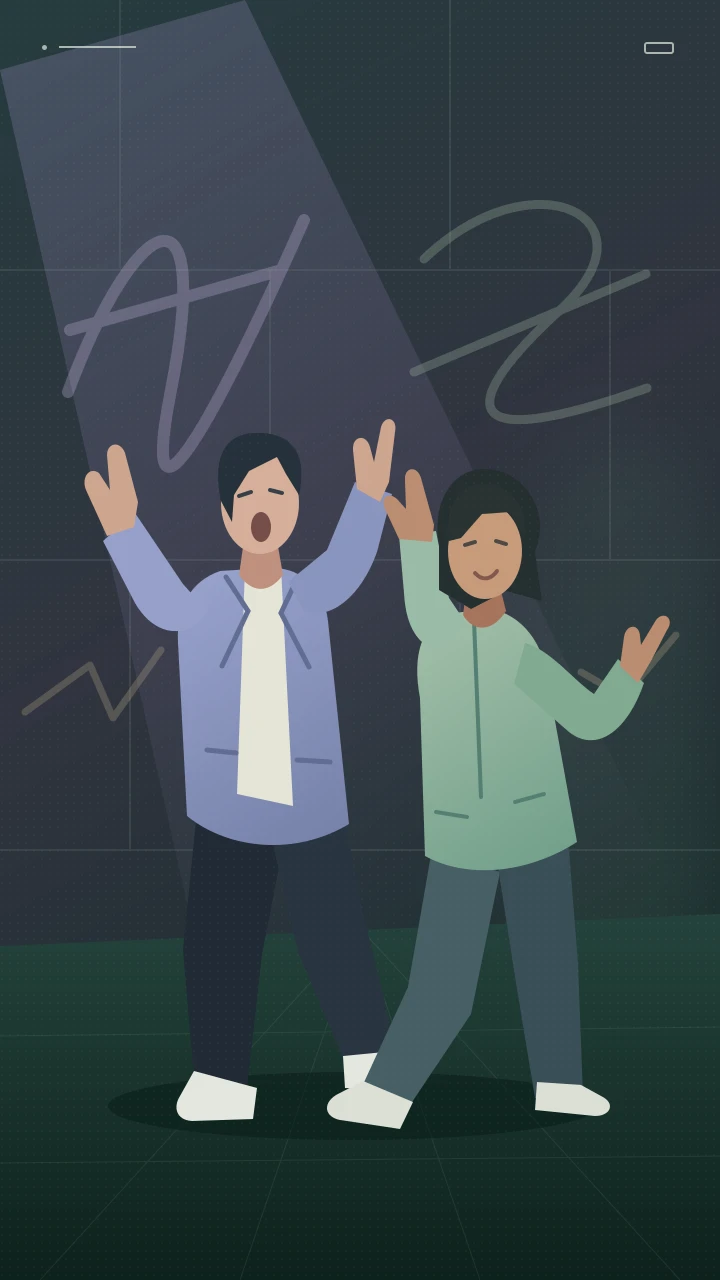 Concept preview
Smalltown Boy AI
An illustrated mood preview. The real dance video will be added later.
The Smalltown Boy moment
Big expressions. Better together.
A dramatic close-up. A switch of roles. Then a side-by-side dance. Smalltown Boy AI takes its cue from the retro duet trend and makes your choice of cast the starting point.
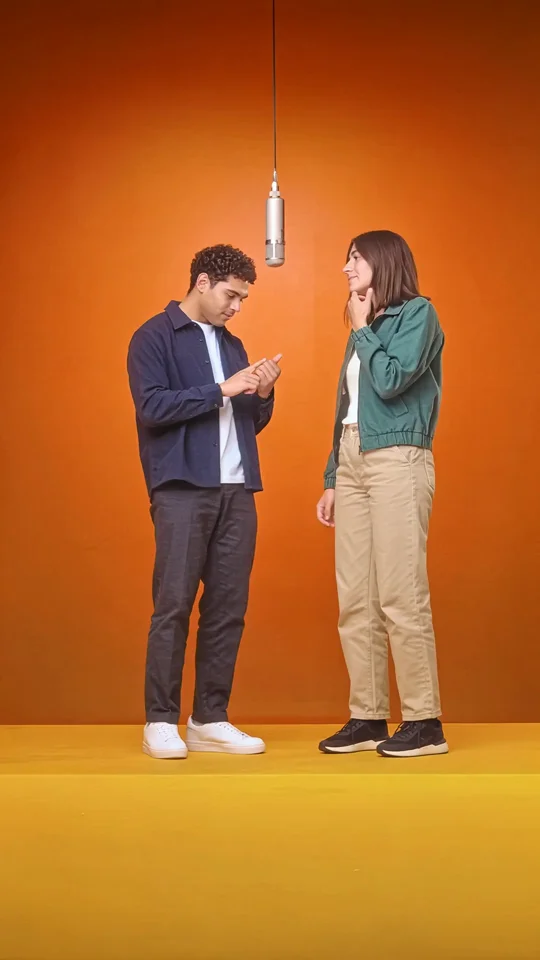
Two faces. A new dance duo.
Choose the two characters you want to cast. The illustration shows the intended mood; a real Smalltown Boy video example will be added later.
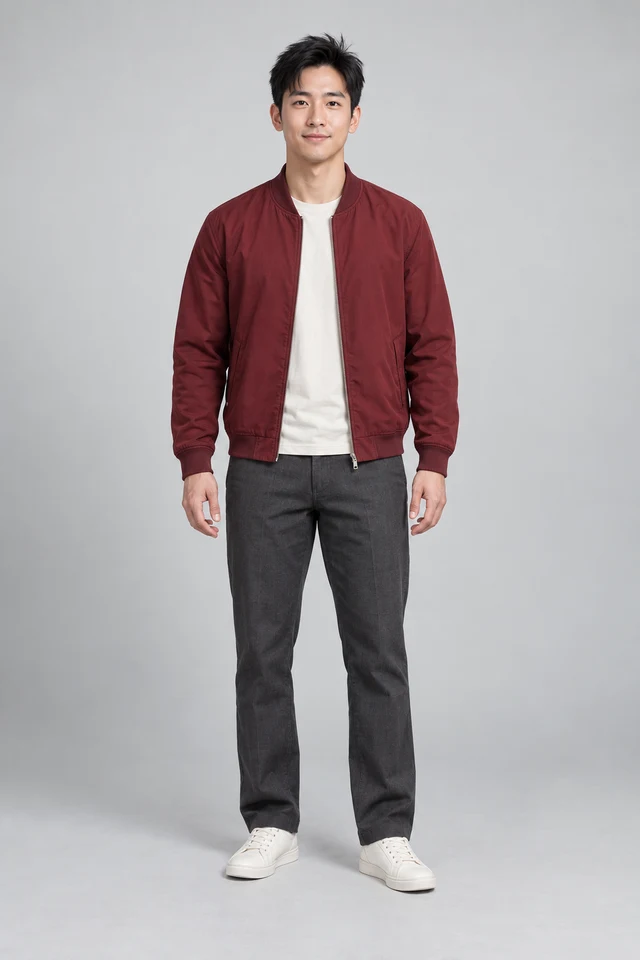
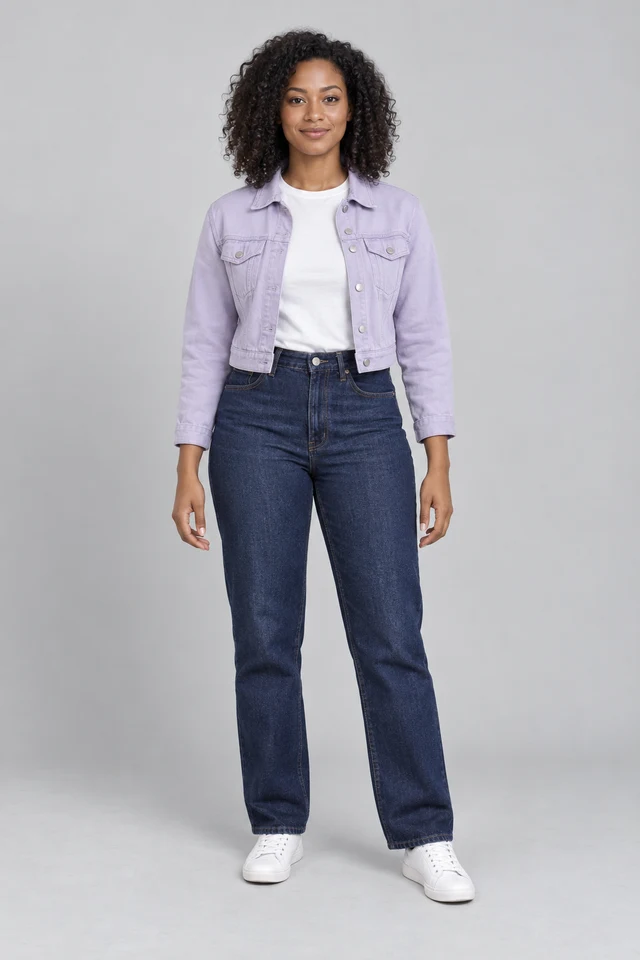
Sample portraits · Fictional, AI-created adults
This is an original concept illustration, not a generated video or a transformation of the sample photos. The samples are fictional AI-created adults.
Take the close-up
One character steps into the spotlight while the other dances behind them. The exaggerated reaction sets the mood.
Switch the roles
The two characters trade places, giving each person their own expressive moment.
Find your shared rhythm
The sequence brings the duo together for a playful, side-by-side finish with an 80s feel.
Your duo in three steps
Pick your cast. Set the scene.
Two photos, optional settings and no prompt to write.
Add your two photos
Choose one clear photo for each dancer. Put your first character on the left and the second on the right, or try the sample duo.
Choose your framing
Keep the portrait default, or open Video settings to explore another format. The length choices are demo settings for now.
Preview your pairing
Prepare a still-image preview to see your two choices together. Dance animation, video export and music will come later.
A stronger starting pair
Two clear faces. Room to move.
Start with a simple photo of each character. Keep both subjects easy to recognize.
One character per photo
Use a separate photo for each person. Crop group photos so it is clear who should play each part.
Keep both faces visible
A sharp, front-facing photo gives you a clear reference. Leave space around the head and shoulders.
Match the light and scale
Similar framing and even lighting make the two photos easier to compare in the preview.
Cast someone you can use
Try yourself, a consenting friend or your own fictional characters. Use photos you own or have permission to use.
Keep the ideas moving
Another scene. A different energy.
Explore more performance templates and video tools.
A little clarity
Before the beat drops.
What the effect is, what to upload and what works in this preview.
What is Smalltown Boy AI?
It is a photo-to-video concept inspired by the Smalltown Boy duet trend: expressive close-ups, two characters switching foreground and background roles, and a side-by-side retro dance. This page is an independent preview of that idea.
How many photos do I need?
Choose two photos, one for each dancer. The left upload is your first character and the right upload is your second. This preview requires both slots before you can continue.
Does this page make a real dance video?
Not yet. The current demo prepares a still-image layout from your two photos. It does not animate the subjects, render a video file or provide a download. The concept illustration is not a generated result.
Do I need to write a prompt?
No. There is no prompt field. Add the two photos and keep the default settings, or open Video settings to try a different demo format.
Can I try it with pets or fictional characters?
You can select those images and inspect the pairing in this demo. Support for animating different kinds of subjects has not been implemented or validated yet.
Does it include the Smalltown Boy song?
This placeholder has no soundtrack. Music, beat synchronization and the final dance sequence are not connected. This page is not affiliated with Bronski Beat or the song’s creators.
Are the length and aspect-ratio settings final?
They are preview controls. You can select 15 or 22 seconds and portrait, landscape or square framing, but the current result remains a still image. Supported video lengths and formats will be confirmed when generation is connected.
Are my photos uploaded or saved?
The selected files are previewed locally in this browser tab. They are not uploaded to a generation or storage service, and the selection clears when you refresh or close the page.
Read the privacy policyWho’s in your dance duo?
Pick your two characters and try the preview. A friend, a partner or an unexpected pairing — start with the photos.
Browser-only demo · No credits used